picExpert 2.0 is here!
Bulk Image Resizing in Seconds — Private & Fast
Resize, crop, add solid/gradient/image backgrounds, watermark, and export — all in your browser. 100% client‑side. No uploads. Perfect for batches.
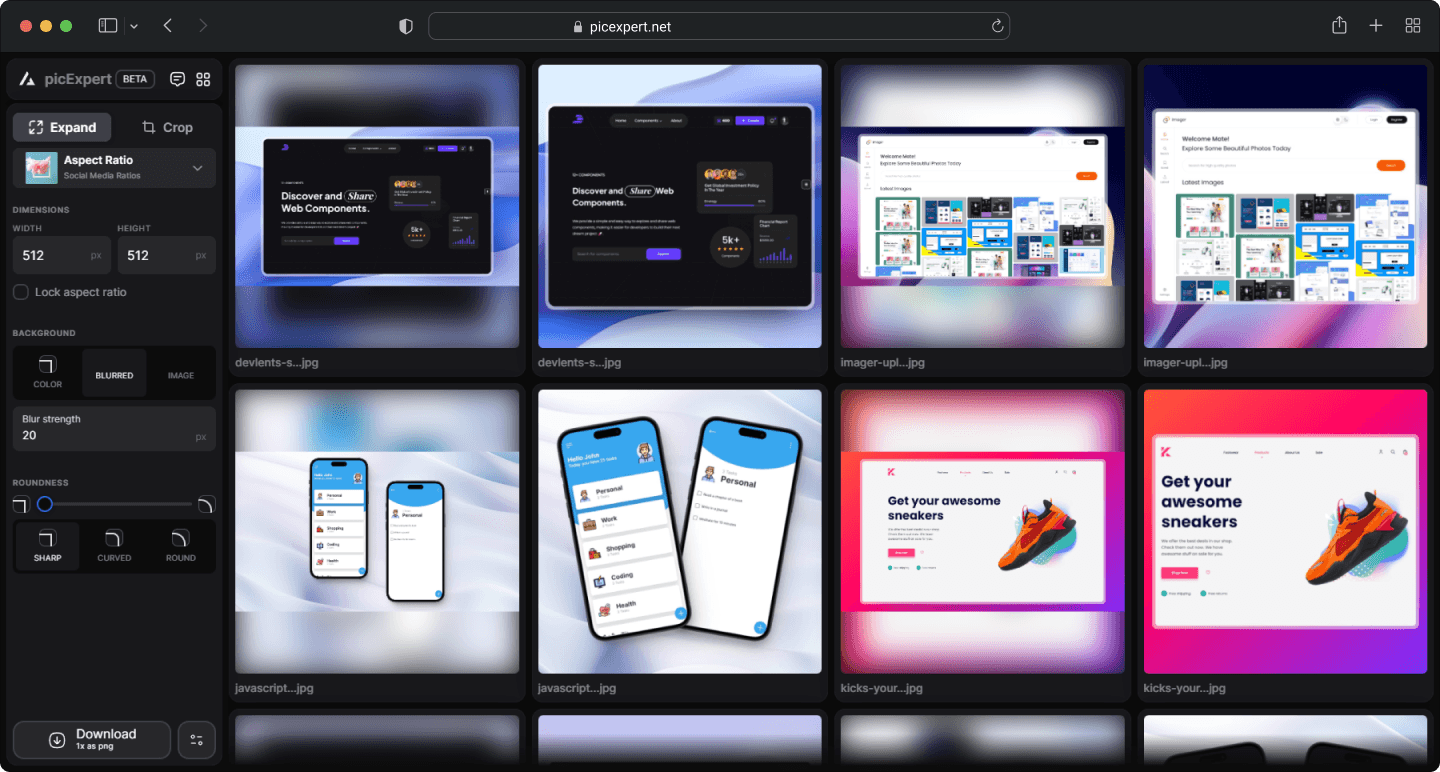
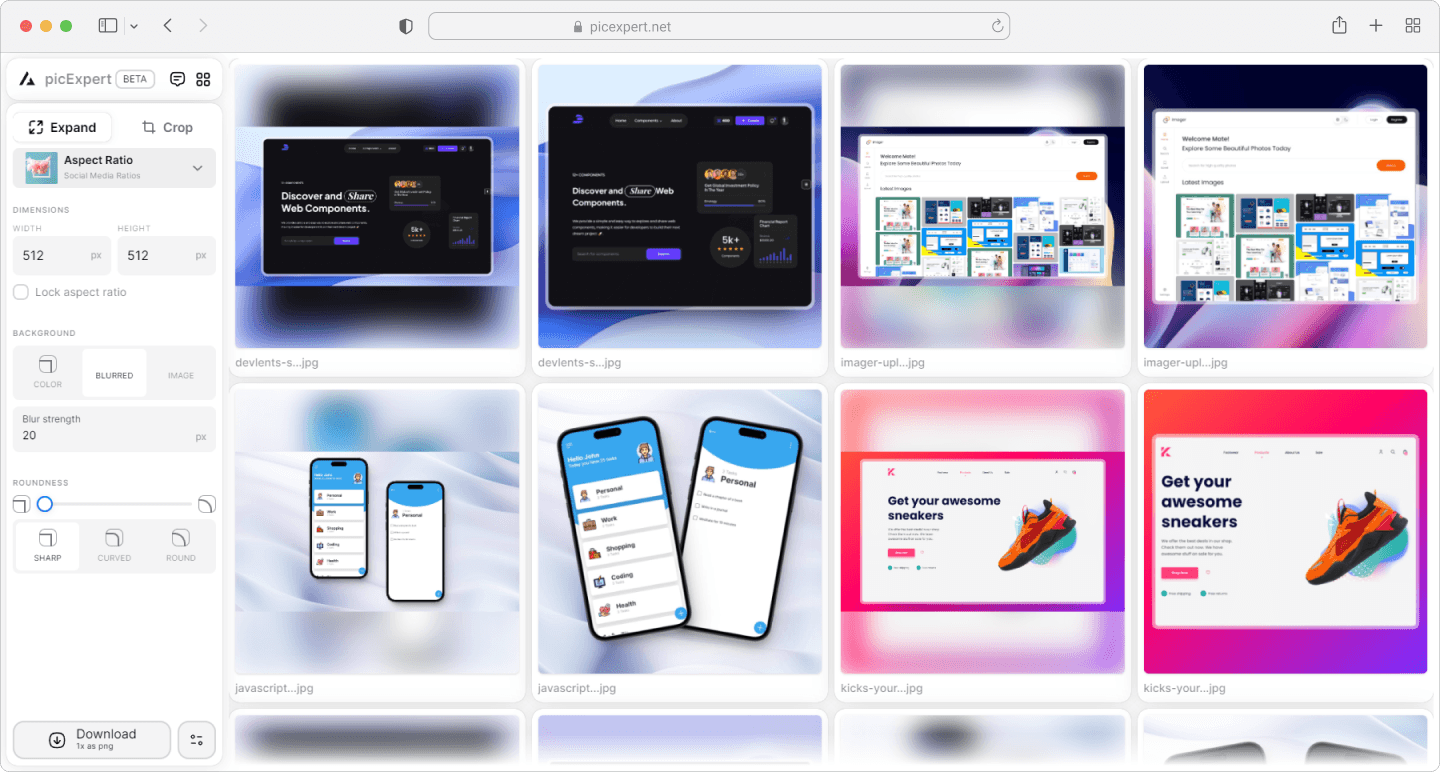
Stop batch‑editing images by hand
No more juggling Photoshop actions, inconsistent edges, or wonky backgrounds. picExpert handles rounding, fills, and exports — at scale.
Unleash the Power: Features That Transcend the Oridinary
Our first priority is your privacy and experience including that these are some feature of picexpert.
Bulk Image Resizing
Resize multiple images at once with customizable width, height, and aspect ratios, saving you time and effort.
Advanced Cropping Options
Precisely crop your images with adjustable cropping parameters and maintain perfect proportions for all your needs.
Background Fill and Blur
Enhance your images with background fill or blur options to achieve a professional look effortlessly.
Client-Side Privacy
Your images are processed directly on your device, ensuring complete privacy and security—nothing is uploaded to the server.
Lightning-Fast Processing
Experience blazing-fast image processing speeds, enabling you to handle large batches of images quickly and efficiently.
Unlimited Free Plan
Enjoy unlimited access to all features with our free plan, perfect for individuals and businesses looking to resize and enhance images without any cost.
How it works
Three quick steps from upload to export.
Step 1
Upload images
Drop one or hundreds. Everything stays on your device.
Step 2
Choose your look
Set size, corners, and background. Preview instantly.
Step 3
Export at 1x/2x/4x
Download single images or a ZIP — named with your quality.
Frequently asked questions
Is picExpert free?
Yes. The free plan includes unlimited processing. We may add pro perks later.
Are my images uploaded?
No. All processing happens in your browser using client‑side technology.
PNG or JPG — which should I choose?
PNG for transparency and crisp edges, JPG for smaller file sizes and photos.
Does it support bulk?
Yes. Upload multiple images and export them all at once in a ZIP.
Make every image look professional — at scale
Try picExpert free. No sign‑up, no uploads, just fast batch editing in your browser.
Open picExpert